Struggling to stay focused while reading articles, emails, or e-books? Imagine stripping away ads, sidebars, and clutter for a pure, customizable reading paradise. That's the magic of Microsoft Edge Immersive Reader – your secret weapon for better reading. This built-in tool transforms any webpage into a distraction-free haven, perfect for students, professionals, and avid readers. Ready to dive in? Let's unlock its power step by step! 🚀
What is Microsoft Edge Immersive Reader?
Microsoft Edge Immersive Reader is a powerful, AI-enhanced feature that simplifies web content for optimal readability. It removes images, videos, and unnecessary elements, reflows text, and offers tools like text-to-speech, adjustable spacing, and focus modes. Whether you're tackling dense research papers or casual blogs, it makes reading faster, easier, and more enjoyable. No extensions needed – it's native to the latest Microsoft Edge browser.
How to Access Immersive Reader in Microsoft Edge
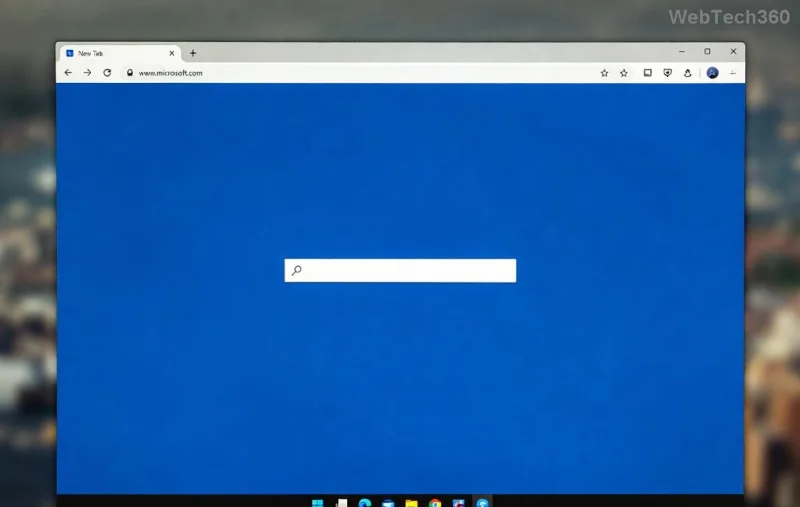
Getting started is a breeze. Follow these simple steps to activate it on any compatible page:
- ✅ Open Microsoft Edge: Launch the browser and navigate to your desired webpage, like a news article or PDF.
- 🔍 Spot the Icon: Look for the book-like Immersive Reader icon 📖 in the address bar (it appears automatically on supported pages).
- 👆 Click to Activate: Tap the icon, and voilà! The page transforms instantly into reading mode.
- Keyboard Shortcut: Pro tip – press F9 for one-click access on Windows.
Works on desktops, laptops, tablets, and even mobile Edge apps. PDFs? Just open them in Edge for the same magic.
Customize Your Perfect Reading Setup
Why settle for default? Immersive Reader lets you tailor everything. Click the toolbar gear icon to unlock options:
- Text Preferences: Choose fonts (e.g., Open Dyslexic for dyslexia support), sizes, and spacing. Boost line height for eye comfort! ⭐
- Reading Focus: Enable line focus (a ruler highlights one line) or page focus (centers a paragraph). Ideal for long texts.
- Grammar Tools: Toggle syllable highlighting, parts-of-speech colors, or read-aloud to improve pronunciation and understanding.
- Text-to-Speech: Hit play for natural voices in multiple languages. Speed it up or slow down – perfect for multitasking. 🎧
- Theme & Color: Dark mode, sepia, or high-contrast for late-night sessions without eye strain.

Experiment freely – changes apply instantly, saving your eyes and brainpower.
Advanced Tips for Better Reading Mastery
Level up with these hacks:
| Feature | How to Use | Benefit |
|---|---|---|
| Picture Dictionary | Hover words for images/definitions | Visual learners rejoice! Enhances retention 📚 |
| Translate | Select language from toolbar | Global reading without barriers 🌍 |
| Math Solver | Integrated for equations | Students: Solve on the fly! ➗ |
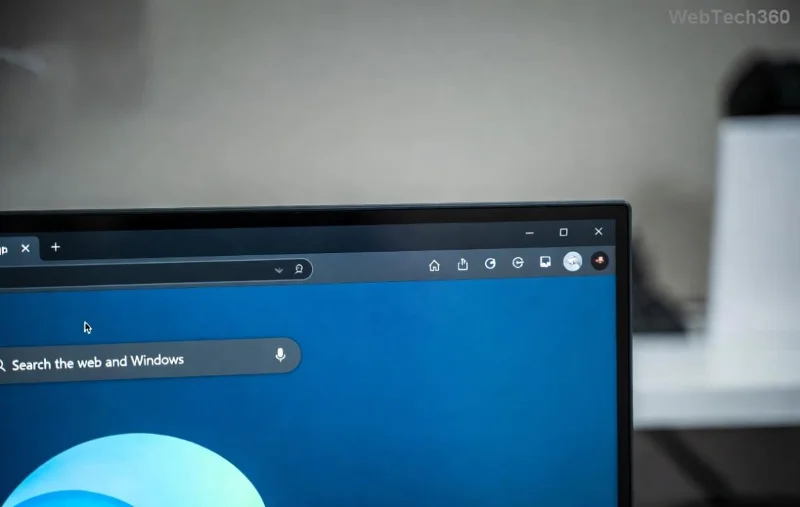
For mobile: Swipe up from the bottom in Edge app to enter Immersive Reader. Pair with Edge's Collections for saving customized reads.
Why Microsoft Edge Immersive Reader Transforms Your Reading
Beyond basics, it boosts productivity: Studies show distraction-free modes improve comprehension by up to 30%. Dyslexic users love syllable breakdown; language learners adore audio. It's inclusive, free, and evolves with Edge updates. Feel the joy of flowing through content without frustration! 😊
Pro Insight: For deeper dives, check Microsoft's official guide: Edge Immersive Reader Support.
Troubleshoot Common Hiccups
Icon missing? Ensure you're on a text-heavy page. Update Edge via Settings > About. On enterprise setups, admins might restrict it – ask IT. Still stuck? Restart or try incognito mode.
Now, armed with these steps, go forth and read like never before. What's your first page? Share in comments below – happy reading! 👏