Why is the Microsoft Teams Add-in Missing from My Outlook?

Imagine scheduling a meeting in Outlook, only to find the beloved Microsoft Teams add-in vanished. No more quick Teams links or chat previews—frustrating, right? 😩 You're not alone. This common glitch hits users worldwide, but the good news? It's usually a quick fix. In this guide, we'll pinpoint why the Microsoft Teams add-in is missing from Outlook and walk you through proven solutions to get you back to productivity. Let's dive in and reclaim your workflow! ✅

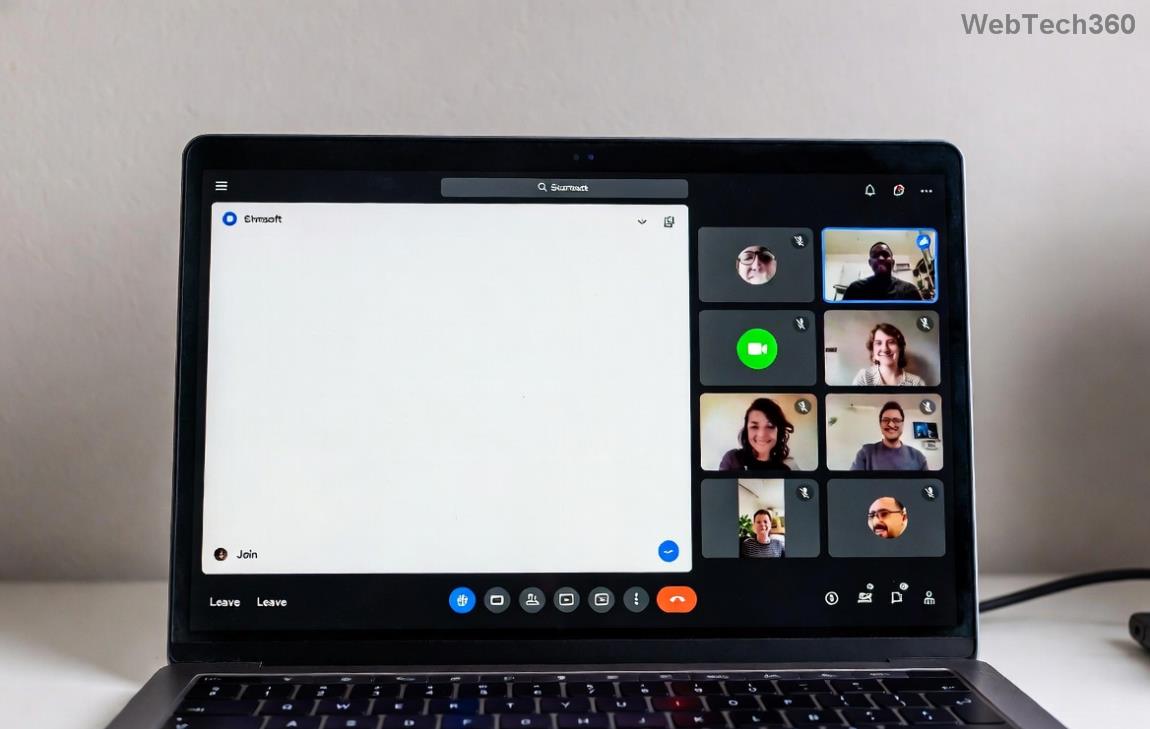
Screenshot of Outlook ribbon missing Teams add-in

Top Reasons Why the Microsoft Teams Add-in Goes Missing from Outlook ⚠️

Understanding the root cause speeds up resolution. Here are the most frequent culprits behind the Microsoft Teams add-in missing from Outlook:

  • Disabled COM Add-ins: Outlook often disables add-ins after crashes or updates for stability. ⭐
  • Incompatible Versions: Mismatch between Outlook (e.g., classic vs. new) and Teams versions.
  • Teams Sign-in Issues: If you're not signed into Teams, the add-in hides itself.
  • Corrupted Installation: Office or Teams updates can glitch the add-in registry.
  • Group Policy Restrictions: Enterprise admins might block it via policies.
  • Outdated Software: Missing the latest patches disrupts integration.
  • Architecture Mismatch: 32-bit Outlook with 64-bit Teams (or vice versa).

Spot the issue? Great—now let's fix it. Follow these steps in order for the fastest results. No tech expertise needed! 👆

Step-by-Step Fixes: Restore Your Microsoft Teams Add-in in Outlook

1. Re-Enable the Add-in via Outlook's COM Add-ins Manager 🚀

The #1 fix! Teams add-in often just needs reactivation.

  1. Open OutlookFileOptionsAdd-ins.
  2. Select COM Add-ins from the dropdown → Go.
  3. Check Microsoft Teams Meeting Add-in for Microsoft OfficeOK.
  4. Restart Outlook. Done! 🎉

2. Verify Teams Sign-in and Update Both Apps 📱

Ensure Teams is running and updated—it's the backbone of integration.

  • Launch Teams → Sign in fully.
  • Check for updates: Teams → Profile icon → Check for updates.
  • In Outlook: FileOffice AccountUpdate Now.
Teams add-in enabled in Outlook COM add-ins list

3. Repair Microsoft Office Installation 🛠️

If re-enabling fails, repair resets corrupted files.

  1. Windows Settings → Apps → Search Microsoft Office or Microsoft 365.
  2. ModifyQuick Repair (or Online Repair for thorough fix).
  3. Restart PC and Outlook.

4. Quick Registry Tweak for Stubborn Cases 🔧

Caution: Backup registry first (search "regedit backup").

  1. Run regedit as admin.
  2. Navigate to: HKEY_CURRENT_USER\Software\Microsoft\Office\Outlook\Addins\TeamsAddin.FastConnect.
  3. Set LoadBehavior to 3 (DWORD).
  4. Restart Outlook.
  5. For detailed guidance, check Microsoft's official troubleshooter: Teams Add-in Troubleshooting.

    5. Match Architectures and Reinstall Teams 💻

    Outlook Bit VersionRecommended TeamsAction
    32-bit32-bit TeamsDownload from Teams Site
    64-bit64-bit TeamsUninstall → Reinstall matching version

    6. Check Group Policies (Admin Users Only) 👥

    Run gpedit.msc → User Configuration → Administrative Templates → Microsoft Teams → Enable add-in loading.

    7. Nuclear Option: Reset Outlook Profile 🔄

    Last resort: OutlookFileAccount SettingsManage Profiles → Add new profile.

    Prevention Tips: Keep Your Teams Add-in Rock-Solid Forever 🌟

    • Enable auto-updates for Office and Teams. ✅
    • Avoid force-closing during updates.
    • Use Outlook in classic mode if new Outlook glitches.
    • Monitor via Teams admin center for org-wide issues.

    Still stuck? Drop a comment below—we're here to help! Your seamless Teams-Outlook integration awaits. You've got this! 🙌

    Pro Tip: Test in a new Outlook window (Ctrl + N) post-fix to confirm. Happy collaborating!

Leave a Comment

Solving Microsoft Teams Shortcut Error Not Opening

Solving Microsoft Teams Shortcut Error Not Opening

Tired of Microsoft Teams shortcut error preventing you from opening the app? Follow our expert, step-by-step guide with the latest fixes for instant resolution. Works on Windows, Mac & web – no tech skills needed!

Solving Microsoft Teams Task Management Sync Error

Solving Microsoft Teams Task Management Sync Error

Tired of Microsoft Teams Task Management Sync Error halting your workflow? Follow our proven, step-by-step fixes to resolve sync issues fast and restore seamless task collaboration. No tech expertise needed!

Troubleshooting Microsoft Teams Wiki Error Formatting

Troubleshooting Microsoft Teams Wiki Error Formatting

Struggling with Microsoft Teams Wiki Error Formatting? This step-by-step guide reveals proven fixes for common wiki tab issues, ensuring smooth editing and collaboration in Teams. Get back to productive wikis fast!

How to Fix Microsoft Teams Installation Error for Linux

How to Fix Microsoft Teams Installation Error for Linux

Struggling with Microsoft Teams installation error on Linux? Discover step-by-step fixes for Ubuntu, Fedora & more. Resolve dependency issues, crashes, and errors quickly with our ultimate guide. Get Teams running smoothly today!

Solving Microsoft Teams Error Page Not Loading

Solving Microsoft Teams Error Page Not Loading

Struggling with Microsoft Teams "Error Page" not loading? Get step-by-step fixes for desktop, web, and mobile. Solve Microsoft Teams Error Page issues quickly and resume seamless teamwork today.

Solving Microsoft Teams Error Screenshot Issues

Solving Microsoft Teams Error Screenshot Issues

Tired of Microsoft Teams "Error Screenshot" blocking your workflow? Get proven, step-by-step solutions to resolve screenshot errors in Teams instantly and boost productivity. No tech skills needed!

How to Fix Microsoft Teams Error U User

How to Fix Microsoft Teams Error U User

Tired of Microsoft Teams "Error U" User blocking your chats? Get proven, step-by-step fixes to clear cache, reset, and restore seamless collaboration instantly.

Where are Microsoft Teams Registry Keys Located on Windows 11?

Where are Microsoft Teams Registry Keys Located on Windows 11?

Unlock the precise locations of Microsoft Teams registry keys on Windows 11. Step-by-step guide to find, access, and safely tweak them for optimal performance and troubleshooting. Essential for IT pros and Teams enthusiasts.

How to Fix Microsoft Teams Training Error Video Lag

How to Fix Microsoft Teams Training Error Video Lag

Tired of Microsoft Teams "Training Error" Video Lag ruining your meetings? Follow our step-by-step guide with the latest fixes for smooth video calls—no more frustration!

How to Fix Microsoft Teams Error occurred During Sign-In

How to Fix Microsoft Teams Error occurred During Sign-In

Frustrated by Microsoft Teams "Error occurred" during sign-in? Discover proven, step-by-step fixes to get back online fast. Clear cache, reset app, and more for seamless login. Works on Windows, Mac & web.

Troubleshooting Microsoft Teams Call Error Disconnecting

Troubleshooting Microsoft Teams Call Error Disconnecting

Struggling with Microsoft Teams "Call Error" Disconnecting? Discover proven, step-by-step fixes for call drops, network issues, and more. Get back to seamless meetings fast with our expert troubleshooting guide.

How to Fix Microsoft Teams Error 2603: Login Loop Fix

How to Fix Microsoft Teams Error 2603: Login Loop Fix

Stuck in Microsoft Teams Error 2603 login loop? Get proven step-by-step fixes to resolve the issue fast and restore seamless teamwork. Clear cache, reset, reinstall – all covered!

How to Fix Microsoft Teams Voice Call Error

How to Fix Microsoft Teams Voice Call Error

Tired of Microsoft Teams voice call errors? Follow our step-by-step guide to troubleshoot no audio, echo, or call drops. Proven fixes for crystal-clear calls every time.

How to Fix Microsoft Teams Workflows Error Power Automate

How to Fix Microsoft Teams Workflows Error Power Automate

Struggling with Microsoft Teams "Workflows Error" in Power Automate? Discover proven, step-by-step fixes to resolve connection issues, permissions, and more. Get your workflows running smoothly today!

How to Fix Microsoft Teams Reddit Popular Error Fixes

How to Fix Microsoft Teams Reddit Popular Error Fixes

Tired of Microsoft Teams crashes, black screens, and sign-in loops? Unlock Reddit's most popular, proven fixes to resolve common Microsoft Teams errors quickly and get back to productive meetings. Step-by-step guides inside!