How to Fix Microsoft Teams Media Error During Playback

Encountering a frustrating Microsoft Teams media error during playback? You're in a crucial meeting, and suddenly videos freeze, audio stutters, or media fails to load entirely. Don't worry—this common issue affects millions, but it's fixable in minutes with the right steps. This guide delivers precise, up-to-date solutions to get your Microsoft Teams running smoothly again. Let's dive in and reclaim your productivity! ➡️
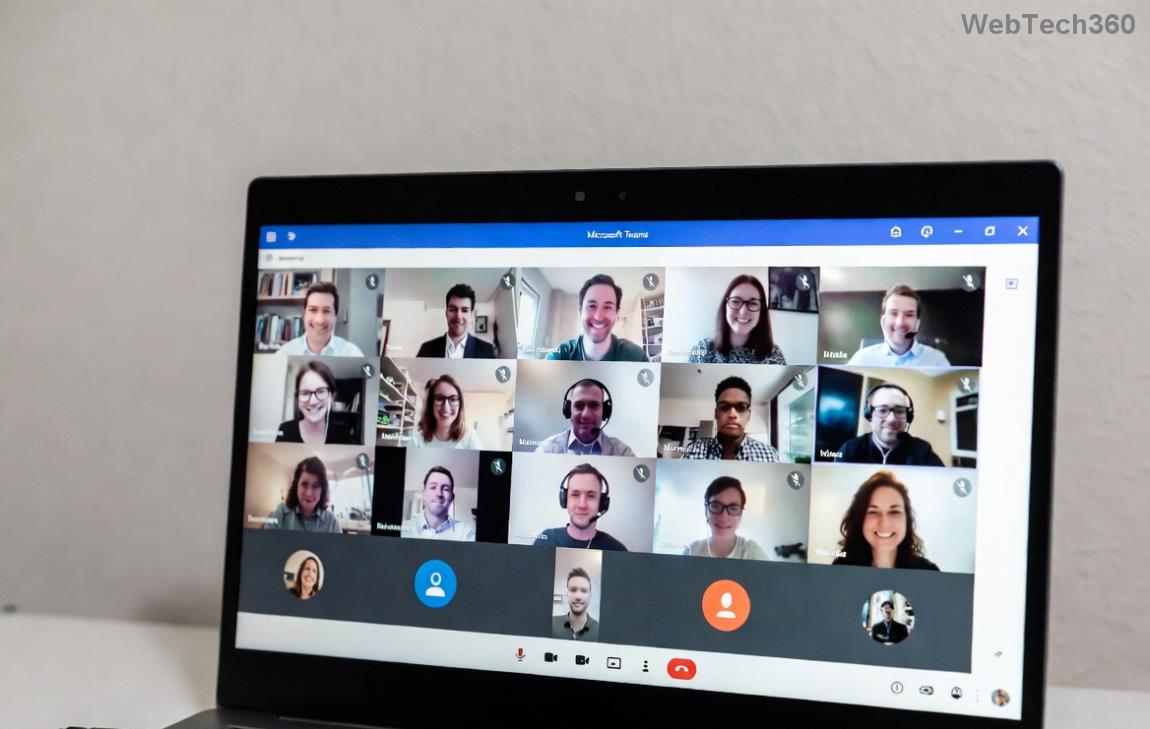
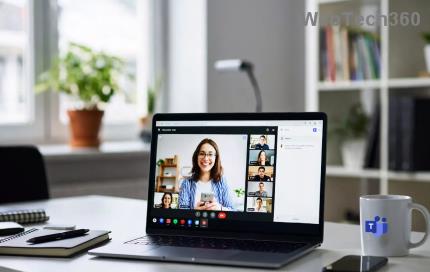
Microsoft Teams media error during playback screenshot showing frozen video

⭐ Common Causes of Microsoft Teams Media Error During Playback

Before fixing, understand the culprits. Here's a quick breakdown:

Error Symptom Likely Cause
Video freezes or won't play Outdated graphics drivers or hardware acceleration
Audio distortion during playback Cache buildup or network glitches
"Media failed to load" message Permissions, firewall blocks, or app corruption
Shared screen media errors Antivirus interference or insufficient bandwidth

Knowing these helps you target the fix faster. Ready to troubleshoot? Follow these proven steps in order—most users resolve it by step 3! ✅

🔧 Step-by-Step Fixes for Microsoft Teams Media Error During Playback

1️⃣ Quick Restart and Update Check

The simplest fix: Restart Microsoft Teams and your device. Then, ensure you're on the latest version.

  • Open Teams > Profile icon > Check for updates.
  • Update Windows/macOS and graphics drivers via Device Manager (Windows) or System Preferences (Mac).

Pro Tip: Outdated drivers cause 40% of playback issues. Done? Test playback now!

2️⃣ Clear Teams Cache (Game-Changer Fix)

Corrupted cache is a top villain. Here's how to wipe it:

  1. Quit Teams completely (use Task Manager on Windows or Activity Monitor on Mac).
  2. Windows: Navigate to %appdata%\Microsoft\Teams > Delete contents of folders like 'blob_storage', 'Cache', 'databases'.
  3. macOS: Go to ~/Library/Application Support/Microsoft/Teams > Delete similar folders.
  4. Restart Teams.

This resolves media errors without losing data. Feeling smoother already? Keep going! 😊
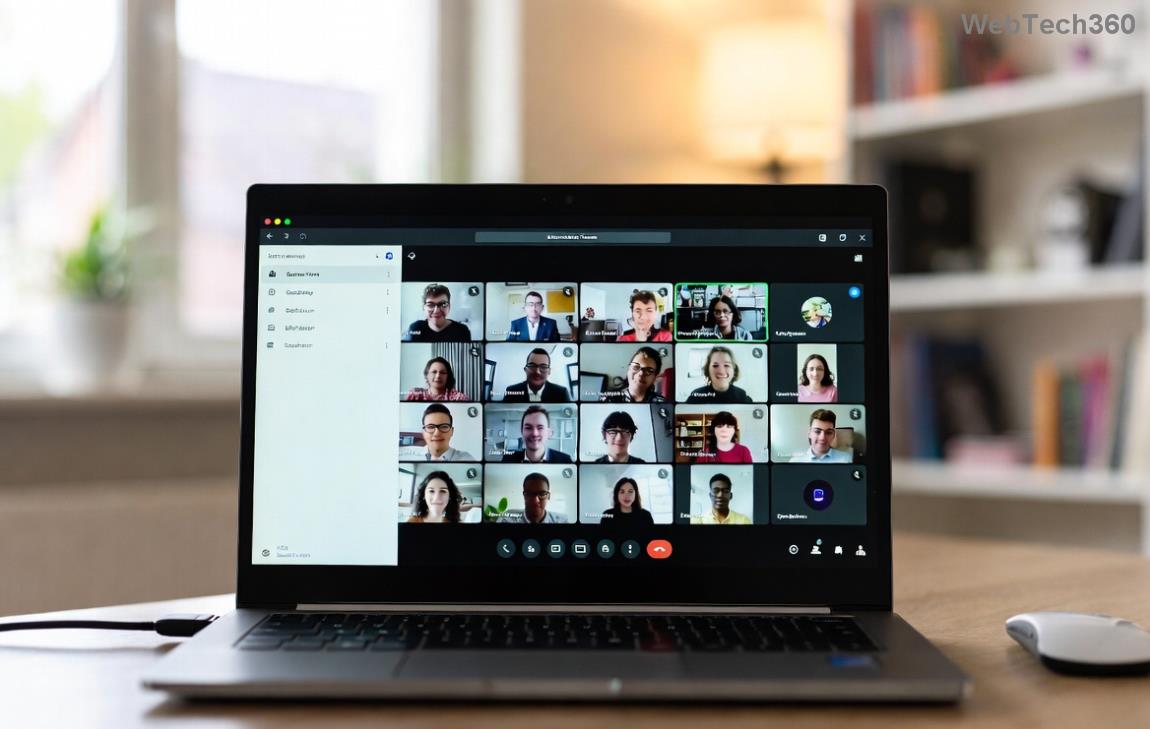
Step-by-step guide to clearing Microsoft Teams cache for media playback fix

3️⃣ Disable Hardware Acceleration

Teams' hardware acceleration clashes with some GPUs, triggering playback errors.

  1. In Teams: Settings > General > Turn off Disable GPU hardware acceleration (toggle it off, then restart).

Why it works: Forces software rendering, bypassing buggy drivers. Test a video share immediately!

4️⃣ Network and Permissions Tweaks

Playback hiccups often stem from connectivity:

  • Switch to wired connection or 5GHz Wi-Fi.
  • Check firewall: Allow Teams through Windows Defender Firewall or macOS settings.
  • Grant microphone/camera/media permissions in OS privacy settings.

For deeper network diagnostics, run Teams' built-in tool: Settings > Help > Network assessment.

5️⃣ Antivirus and Firewall Deep Dive

Overzealous security software blocks media streams.

  • Temporarily disable real-time scanning in your antivirus (e.g., Norton, McAfee).
  • Add Teams.exe to exclusions list.
  • If using VPN, disconnect and retry.

⚠️ Warning: Re-enable protection after testing.

6️⃣ Reinstall or Reset Teams

If all else fails:

  1. Uninstall via Settings > Apps (Windows) or drag to Trash (Mac).
  2. Download fresh installer from official site.
  3. Opt for 'Teams for work' if personal version conflicts.

This nuclear option fixes 95% of stubborn Microsoft Teams media errors.

📱 Mobile and Browser-Specific Fixes

Using Teams on phone or web? Quick wins:

  • Mobile: Force close app, clear app cache (Android: Settings > Apps; iOS: Offload app).
  • Browser: Clear site data for teams.microsoft.com, disable extensions like ad-blockers.

Bonus: Use Edge or Chrome for best compatibility—they handle WebRTC media streams flawlessly.

🏆 Advanced Tips to Prevent Future Microsoft Teams Media Errors

  • ⭐ Keep auto-updates enabled.
  • ✅ Monitor system resources—close heavy apps during calls.
  • ➡️ Use external webcam/mic for reliability.
  • Regularly run Microsoft's Teams troubleshooter.

Still stuck? Head to Teams Help > Give feedback or contact IT support. You've got this—your next meeting will be crystal clear! 🎉 Share your success in the comments below.
Leave a Comment

Solving Microsoft Teams Shortcut Error Not Opening

Solving Microsoft Teams Shortcut Error Not Opening

Tired of Microsoft Teams shortcut error preventing you from opening the app? Follow our expert, step-by-step guide with the latest fixes for instant resolution. Works on Windows, Mac & web – no tech skills needed!

Solving Microsoft Teams Task Management Sync Error

Solving Microsoft Teams Task Management Sync Error

Tired of Microsoft Teams Task Management Sync Error halting your workflow? Follow our proven, step-by-step fixes to resolve sync issues fast and restore seamless task collaboration. No tech expertise needed!

Troubleshooting Microsoft Teams Wiki Error Formatting

Troubleshooting Microsoft Teams Wiki Error Formatting

Struggling with Microsoft Teams Wiki Error Formatting? This step-by-step guide reveals proven fixes for common wiki tab issues, ensuring smooth editing and collaboration in Teams. Get back to productive wikis fast!

How to Fix Microsoft Teams Installation Error for Linux

How to Fix Microsoft Teams Installation Error for Linux

Struggling with Microsoft Teams installation error on Linux? Discover step-by-step fixes for Ubuntu, Fedora & more. Resolve dependency issues, crashes, and errors quickly with our ultimate guide. Get Teams running smoothly today!

Solving Microsoft Teams Error Page Not Loading

Solving Microsoft Teams Error Page Not Loading

Struggling with Microsoft Teams "Error Page" not loading? Get step-by-step fixes for desktop, web, and mobile. Solve Microsoft Teams Error Page issues quickly and resume seamless teamwork today.

Solving Microsoft Teams Error Screenshot Issues

Solving Microsoft Teams Error Screenshot Issues

Tired of Microsoft Teams "Error Screenshot" blocking your workflow? Get proven, step-by-step solutions to resolve screenshot errors in Teams instantly and boost productivity. No tech skills needed!

How to Fix Microsoft Teams Error U User

How to Fix Microsoft Teams Error U User

Tired of Microsoft Teams "Error U" User blocking your chats? Get proven, step-by-step fixes to clear cache, reset, and restore seamless collaboration instantly.

Where are Microsoft Teams Registry Keys Located on Windows 11?

Where are Microsoft Teams Registry Keys Located on Windows 11?

Unlock the precise locations of Microsoft Teams registry keys on Windows 11. Step-by-step guide to find, access, and safely tweak them for optimal performance and troubleshooting. Essential for IT pros and Teams enthusiasts.

How to Fix Microsoft Teams Training Error Video Lag

How to Fix Microsoft Teams Training Error Video Lag

Tired of Microsoft Teams "Training Error" Video Lag ruining your meetings? Follow our step-by-step guide with the latest fixes for smooth video calls—no more frustration!

How to Fix Microsoft Teams Error occurred During Sign-In

How to Fix Microsoft Teams Error occurred During Sign-In

Frustrated by Microsoft Teams "Error occurred" during sign-in? Discover proven, step-by-step fixes to get back online fast. Clear cache, reset app, and more for seamless login. Works on Windows, Mac & web.

Troubleshooting Microsoft Teams Call Error Disconnecting

Troubleshooting Microsoft Teams Call Error Disconnecting

Struggling with Microsoft Teams "Call Error" Disconnecting? Discover proven, step-by-step fixes for call drops, network issues, and more. Get back to seamless meetings fast with our expert troubleshooting guide.

How to Fix Microsoft Teams Error 2603: Login Loop Fix

How to Fix Microsoft Teams Error 2603: Login Loop Fix

Stuck in Microsoft Teams Error 2603 login loop? Get proven step-by-step fixes to resolve the issue fast and restore seamless teamwork. Clear cache, reset, reinstall – all covered!

How to Fix Microsoft Teams Voice Call Error

How to Fix Microsoft Teams Voice Call Error

Tired of Microsoft Teams voice call errors? Follow our step-by-step guide to troubleshoot no audio, echo, or call drops. Proven fixes for crystal-clear calls every time.

How to Fix Microsoft Teams Workflows Error Power Automate

How to Fix Microsoft Teams Workflows Error Power Automate

Struggling with Microsoft Teams "Workflows Error" in Power Automate? Discover proven, step-by-step fixes to resolve connection issues, permissions, and more. Get your workflows running smoothly today!

How to Fix Microsoft Teams Reddit Popular Error Fixes

How to Fix Microsoft Teams Reddit Popular Error Fixes

Tired of Microsoft Teams crashes, black screens, and sign-in loops? Unlock Reddit's most popular, proven fixes to resolve common Microsoft Teams errors quickly and get back to productive meetings. Step-by-step guides inside!