How to Fix Microsoft Teams Error AADSTS70008: Security Token Expired

Encountering the frustrating Microsoft Teams Error AADSTS70008: Security Token Expired? You're not alone—this common Azure Active Directory (AAD) issue disrupts meetings, chats, and productivity. But don't worry! This guide delivers quick, reliable fixes to resolve it instantly and keep your workflow smooth. Let's dive in and reclaim your Teams experience. ✅

What is Microsoft Teams Error AADSTS70008?

The AADSTS70008 error signals that your security token has expired or become invalid. Tokens are temporary credentials Teams uses for secure authentication via Azure AD. When they lapse—often due to inactivity, network glitches, or sync issues—you're locked out until refreshed.

Key symptoms:

  • Login failures with "Security token expired" message.
  • Teams crashes or endless sign-in loops.
  • Intermittent access to channels or calendars.

Good news: Most cases resolve with simple steps. Follow along—you'll be back online fast! 🌟

Common Causes of Security Token Expired in Teams

Cause Why It Happens Quick Check
Expired or invalid token Tokens last 1 hour to 90 days; inactivity triggers expiry. Recent long breaks from Teams?
Cache corruption Outdated local data conflicts with Azure AD. App crashes frequently?
Clock skew Device time mismatches server time. Check system clock.
Network/VPN issues Proxies or firewalls block token refresh. Using corporate VPN?
Outdated app Bugs in older versions mishandle tokens. Update pending?
Microsoft Teams Error AADSTS70008 screenshot

Step-by-Step: How to Fix Microsoft Teams Error AADSTS70008

Start with these proven methods, ordered from simplest to advanced. Test Teams after each—most users fix it by step 3! 1️⃣

1️⃣ Clear Teams Cache (Fastest Fix - 80% Success Rate)

Corrupted cache is the #1 culprit. Here's how:

  1. Quit Teams completely (use Task Manager on Windows: Ctrl+Shift+Esc > End task for all Teams processes).
  2. Press Win + R, type %appdata%\Microsoft\Teams, hit Enter.
  3. Delete contents of these folders: Cache, blob_storage, databases, IndexedDB, Local Storage, tmp.
  4. Restart Teams and sign in.

Pro tip: On Mac, go to ~/Library/Application Support/Microsoft/Teams and delete the same folders. Boom—tokens refresh! 😊

2️⃣ Re-Authenticate Your Account

Forced logout refreshes tokens:

  1. In Teams, click profile > Sign out.
  2. Close app, reopen, and sign in fresh.
  3. If multi-account, remove others via Manage accounts.
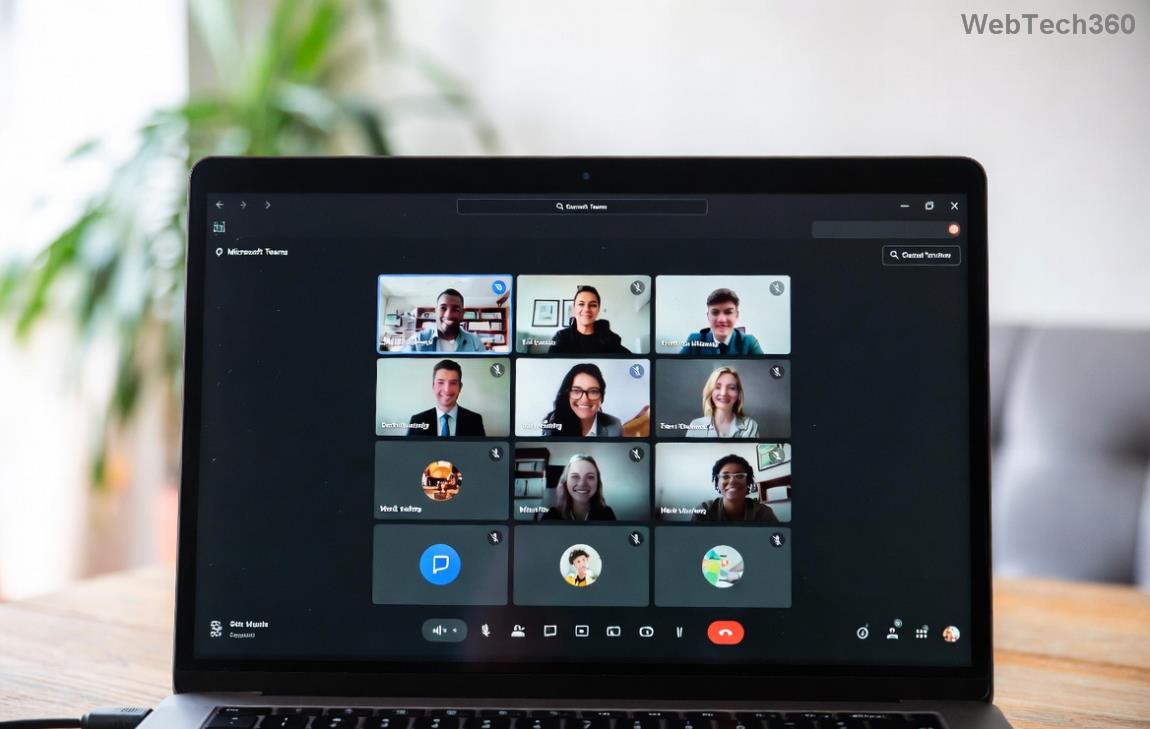
Clearing Teams cache folders

3️⃣ Sync Your Device Clock

Time mismatches invalidate tokens:

  • Windows: Settings > Time & Language > Sync now.
  • Mac: System Preferences > Date & Time > Auto-set.
  • Disable VPN/firewall temporarily to test.

4️⃣ Update or Reinstall Teams

Grab the latest version:

  • Check Profile > Check for updates.
  • Or download fresh from official site.
  • Uninstall/reinstall if stubborn (back up chats first).
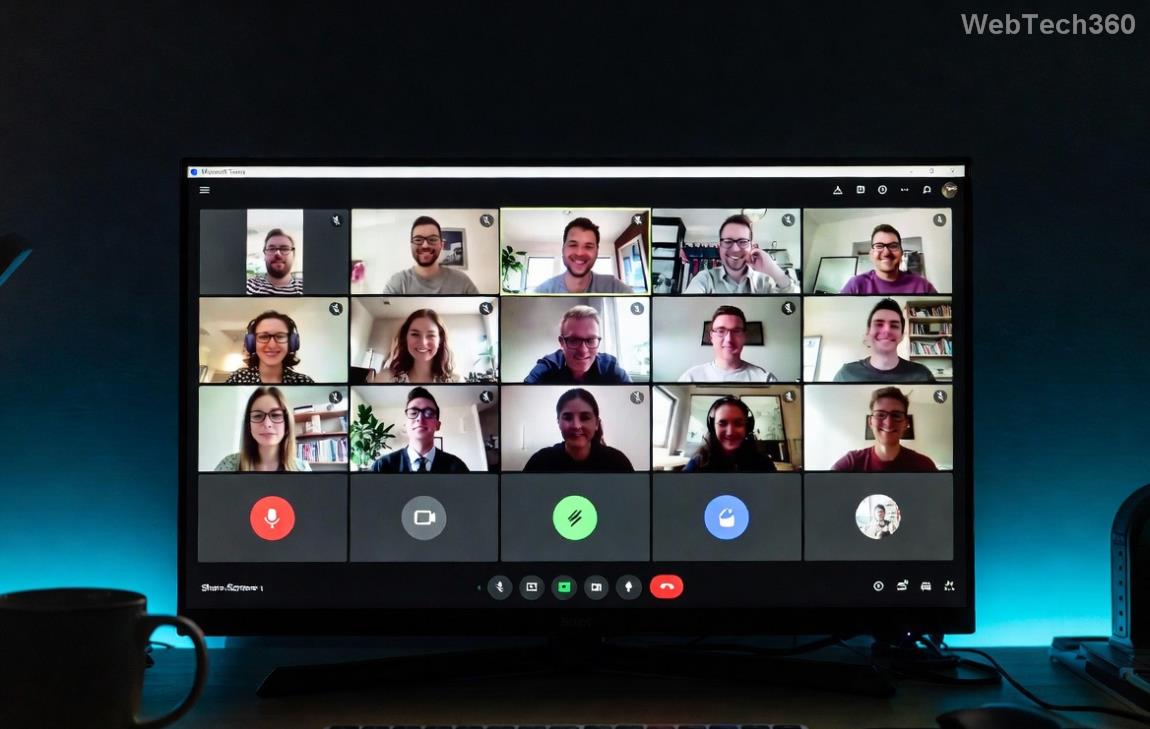
Teams sign-in refresh process

5️⃣ Admin-Level Fixes (For IT Pros)

If user fixes fail:

  • Azure AD: Reset user token lifetime policies via Microsoft Entra docs.
  • Conditional Access: Review policies blocking refresh.
  • PowerShell: Revoke-AzureADUserAllRefreshToken -ObjectId <user-id>.

Prevention Tips: Never See Security Token Expired Again

Stay ahead:

  • ✅ Enable auto-updates in Teams settings.
  • ⭐ Sign out weekly if inactive.
  • 🔒 Use Microsoft Authenticator for smoother MFA.
  • ⚙️ Keep device time synced and avoid sketchy VPNs.

Bonus: For enterprises, configure shorter token lifetimes in Azure portal to minimize risks.

Still Stuck? Next Steps

If Microsoft Teams Error AADSTS70008 persists, gather logs (Teams > Help > Submit feedback) and contact Microsoft Support. Share error codes for faster help.

Congratulations—you're now equipped to conquer this error! Your Teams sessions will run flawlessly. Share this guide if it helped a colleague. 👏 What's your go-to fix? Drop a comment below!

Leave a Comment

Solving Microsoft Teams Shortcut Error Not Opening

Solving Microsoft Teams Shortcut Error Not Opening

Tired of Microsoft Teams shortcut error preventing you from opening the app? Follow our expert, step-by-step guide with the latest fixes for instant resolution. Works on Windows, Mac &amp; web – no tech skills needed!

Solving Microsoft Teams Task Management Sync Error

Solving Microsoft Teams Task Management Sync Error

Tired of Microsoft Teams Task Management Sync Error halting your workflow? Follow our proven, step-by-step fixes to resolve sync issues fast and restore seamless task collaboration. No tech expertise needed!

Troubleshooting Microsoft Teams Wiki Error Formatting

Troubleshooting Microsoft Teams Wiki Error Formatting

Struggling with Microsoft Teams Wiki Error Formatting? This step-by-step guide reveals proven fixes for common wiki tab issues, ensuring smooth editing and collaboration in Teams. Get back to productive wikis fast!

How to Fix Microsoft Teams Installation Error for Linux

How to Fix Microsoft Teams Installation Error for Linux

Struggling with Microsoft Teams installation error on Linux? Discover step-by-step fixes for Ubuntu, Fedora & more. Resolve dependency issues, crashes, and errors quickly with our ultimate guide. Get Teams running smoothly today!

Solving Microsoft Teams Error Page Not Loading

Solving Microsoft Teams Error Page Not Loading

Struggling with Microsoft Teams "Error Page" not loading? Get step-by-step fixes for desktop, web, and mobile. Solve Microsoft Teams Error Page issues quickly and resume seamless teamwork today.

Solving Microsoft Teams Error Screenshot Issues

Solving Microsoft Teams Error Screenshot Issues

Tired of Microsoft Teams "Error Screenshot" blocking your workflow? Get proven, step-by-step solutions to resolve screenshot errors in Teams instantly and boost productivity. No tech skills needed!

How to Fix Microsoft Teams Error U User

How to Fix Microsoft Teams Error U User

Tired of Microsoft Teams "Error U" User blocking your chats? Get proven, step-by-step fixes to clear cache, reset, and restore seamless collaboration instantly.

Where are Microsoft Teams Registry Keys Located on Windows 11?

Where are Microsoft Teams Registry Keys Located on Windows 11?

Unlock the precise locations of Microsoft Teams registry keys on Windows 11. Step-by-step guide to find, access, and safely tweak them for optimal performance and troubleshooting. Essential for IT pros and Teams enthusiasts.

How to Fix Microsoft Teams Training Error Video Lag

How to Fix Microsoft Teams Training Error Video Lag

Tired of Microsoft Teams "Training Error" Video Lag ruining your meetings? Follow our step-by-step guide with the latest fixes for smooth video calls—no more frustration!

How to Fix Microsoft Teams Error occurred During Sign-In

How to Fix Microsoft Teams Error occurred During Sign-In

Frustrated by Microsoft Teams "Error occurred" during sign-in? Discover proven, step-by-step fixes to get back online fast. Clear cache, reset app, and more for seamless login. Works on Windows, Mac &amp; web.

Troubleshooting Microsoft Teams Call Error Disconnecting

Troubleshooting Microsoft Teams Call Error Disconnecting

Struggling with Microsoft Teams "Call Error" Disconnecting? Discover proven, step-by-step fixes for call drops, network issues, and more. Get back to seamless meetings fast with our expert troubleshooting guide.

How to Fix Microsoft Teams Error 2603: Login Loop Fix

How to Fix Microsoft Teams Error 2603: Login Loop Fix

Stuck in Microsoft Teams Error 2603 login loop? Get proven step-by-step fixes to resolve the issue fast and restore seamless teamwork. Clear cache, reset, reinstall – all covered!

How to Fix Microsoft Teams Voice Call Error

How to Fix Microsoft Teams Voice Call Error

Tired of Microsoft Teams voice call errors? Follow our step-by-step guide to troubleshoot no audio, echo, or call drops. Proven fixes for crystal-clear calls every time.

How to Fix Microsoft Teams Workflows Error Power Automate

How to Fix Microsoft Teams Workflows Error Power Automate

Struggling with Microsoft Teams "Workflows Error" in Power Automate? Discover proven, step-by-step fixes to resolve connection issues, permissions, and more. Get your workflows running smoothly today!

How to Fix Microsoft Teams Reddit Popular Error Fixes

How to Fix Microsoft Teams Reddit Popular Error Fixes

Tired of Microsoft Teams crashes, black screens, and sign-in loops? Unlock Reddit&#39;s most popular, proven fixes to resolve common Microsoft Teams errors quickly and get back to productive meetings. Step-by-step guides inside!